How ePayment works with freestanding cards
This is how payments in web shops or merchant websites work with the ePayment API.
Details
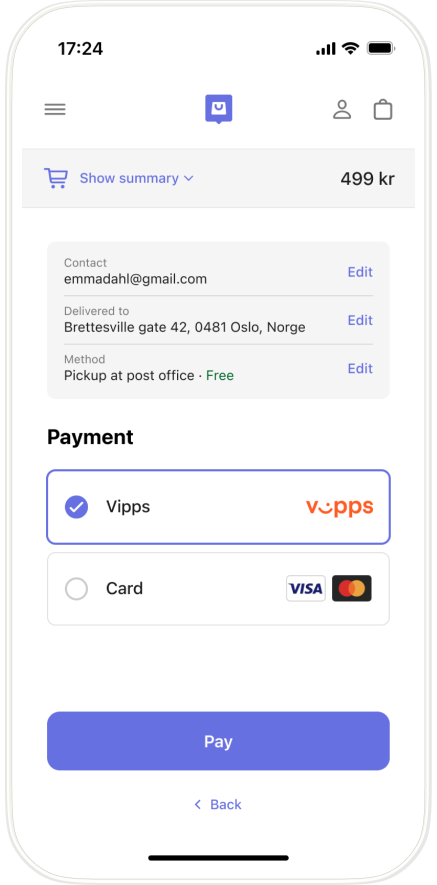
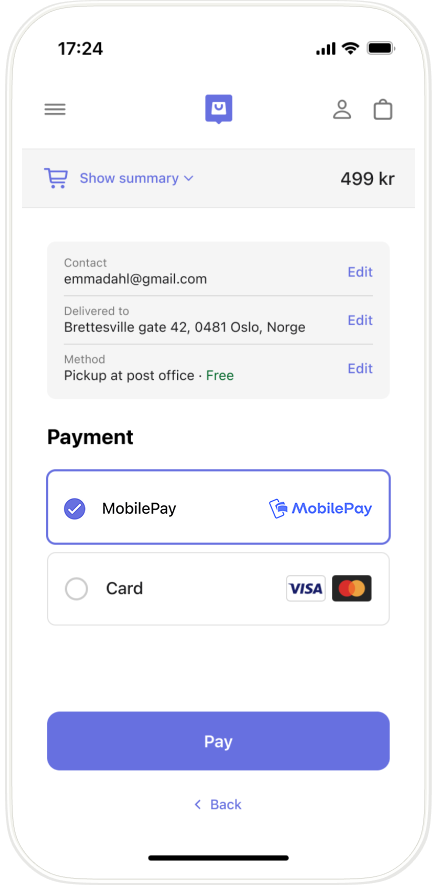
1. Customer selects their payment method
On the checkout page of a merchant's website or app, the customer chooses to pay with a card.
- Vipps
- MobilePay
2. The merchant creates a payment request
The merchant initiates a freestanding card payment by specifying paymentMethod.type = "CARD"
in the
POST:/epayment/v1/payments
request.
Detailed example for payment request
For example: Here is an example HTTP POST for the create payment request:
curl -X POST https://apitest.vipps.no/epayment/v1/payments \
-H "Content-Type: application/json" \
-H "Authorization: Bearer YOUR-ACCESS-TOKEN" \
-H "Ocp-Apim-Subscription-Key: YOUR-SUBSCRIPTION-KEY" \
-H "Merchant-Serial-Number: YOUR-MSN" \
-H 'Idempotency-Key: YOUR-IDEMPOTENCY-KEY' \
-H "Vipps-System-Name: acme" \
-H "Vipps-System-Version: 3.1.2" \
-H "Vipps-System-Plugin-Name: acme-webshop" \
-H "Vipps-System-Plugin-Version: 4.5.6" \
-d '{
  "paymentMethod": {
    "type": "CARD"
  },
  "amount": {
    "currency": "NOK",
    "value": 49900
  },
  "reference": "acme-shop-123-order123abc",
  "returnUrl": "https://example.com/redirect?reference=acme-shop-123-order123abc",
  "userFlow": "WEB_REDIRECT",
  "paymentDescription": "Online purchase of sportswear",
  "receiptUrl":"https://example.com/link/to/my.pdf"
2. Customer enters card details
The card entry page opens, where they enter their card details.
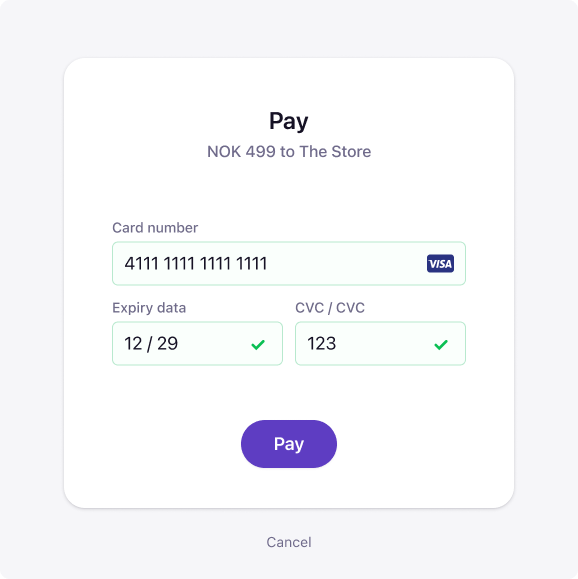
When they enter their payment details, initiate a payment with:
POST:/epayment/v1/payments.
4. The merchant's shop confirms the order
On successful payment, the merchant's store page or app opens, and the order is confirmed.
5. The merchant completes the order and captures the payment
The merchant completes the order and ships it to the customer.
More details
For more details, see ePayment Features: Accept freestanding card payments.